

How to Protect Your Studio’s Most Hard-Working Tech
When you invest in quality audio gear for your fitness space — instructor microphones, transmitters, receivers, speakers and accessories — you’re also investing in the experience members have every single class. Clear music, crisp cues and reliable equipment are the backbone of an engaging workout environment.
But even the best gear won’t last long without proper care. Between sweat-heavy classes, constant handling and a fast-paced schedule, fitness audio equipment faces some of the toughest conditions of any AV gear. The good news? With the right maintenance habits, you can dramatically extend its lifespan.
Here’s your guide to protecting those studio essentials.
Sweat: The Silent Killer of Fitness Audio Gear
If there’s one thing to understand about audio maintenance, it’s this: sweat is corrosive. It infiltrates microphone capsules, breaks down internal wiring, degrades foam windscreens and causes transmitters to fail long before their time.
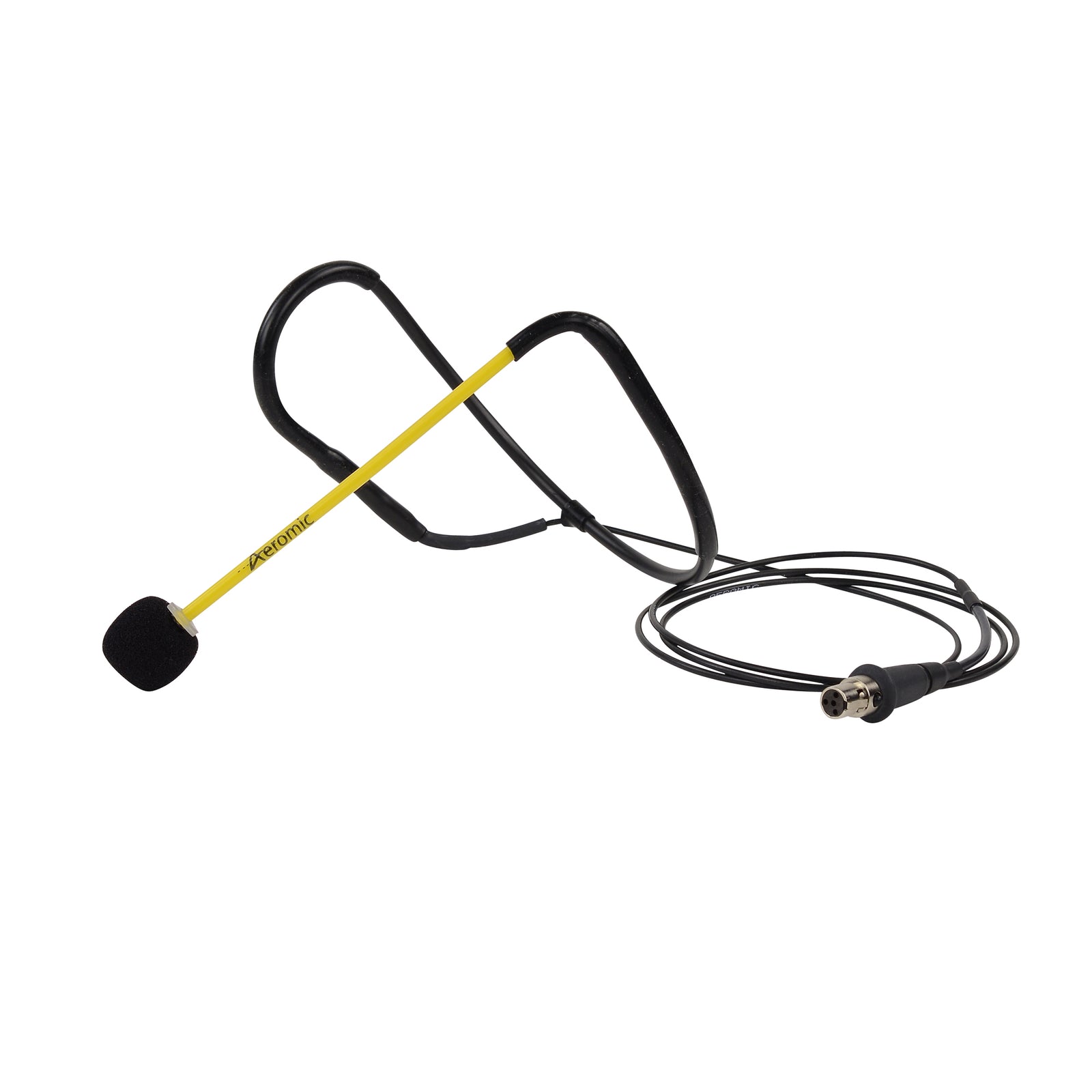
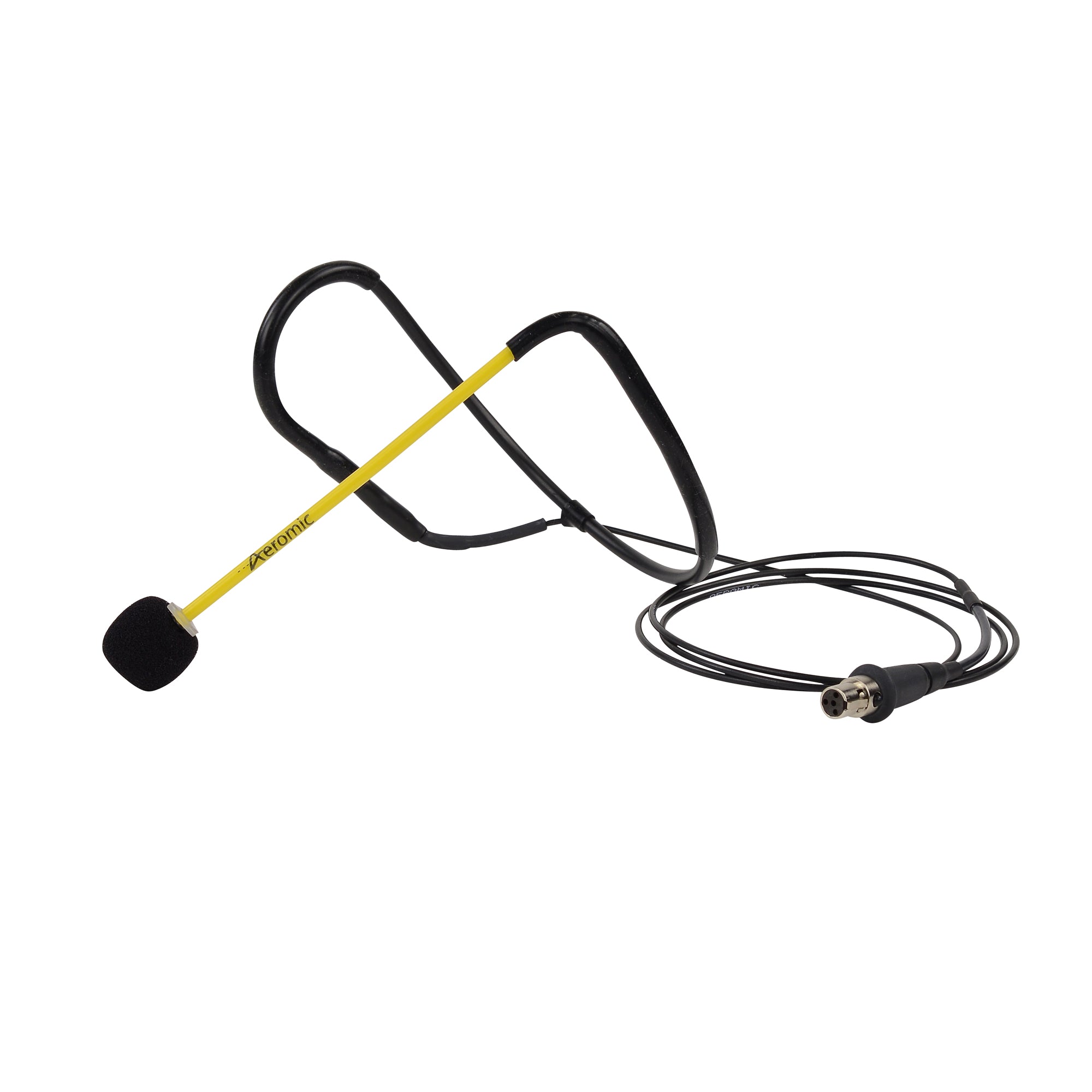
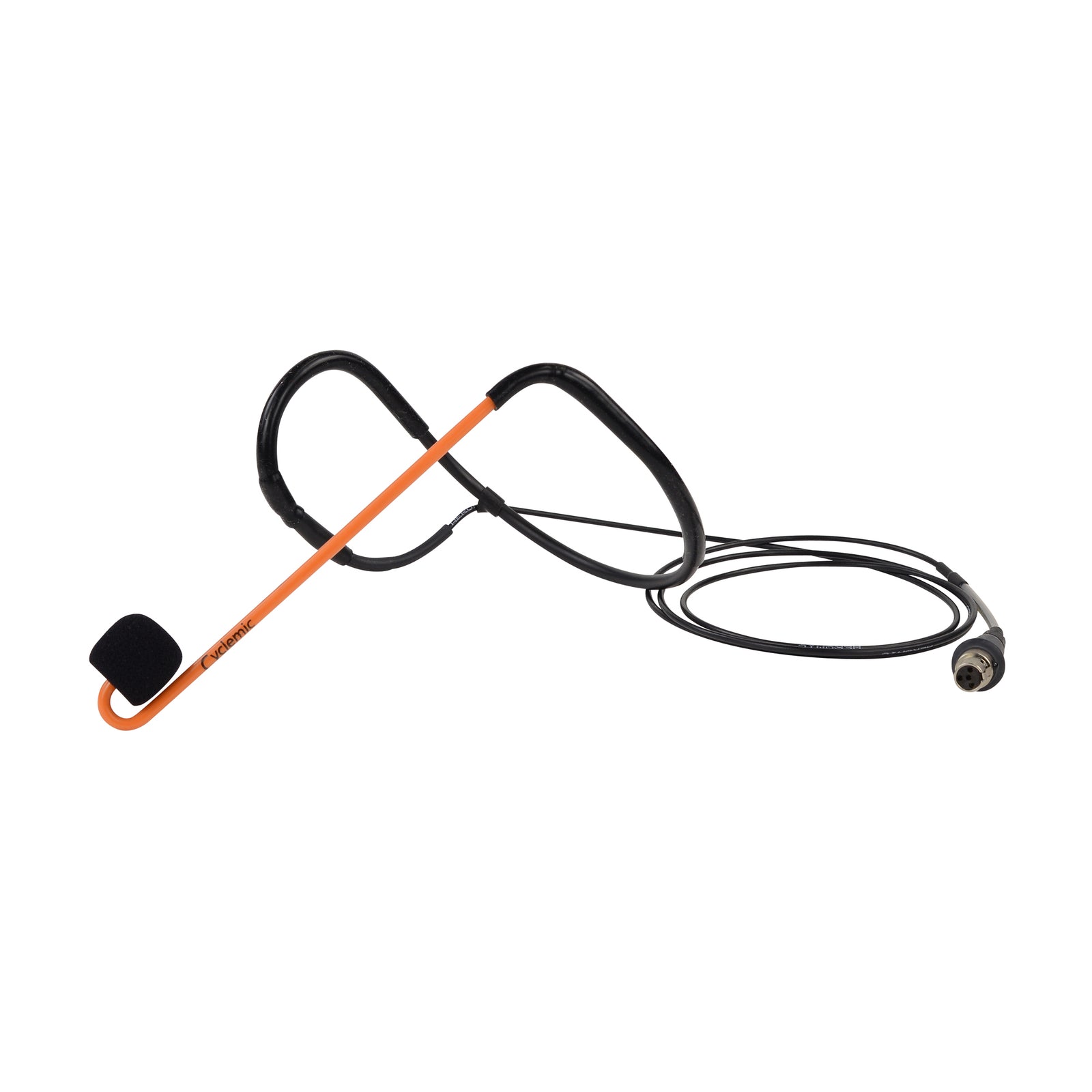
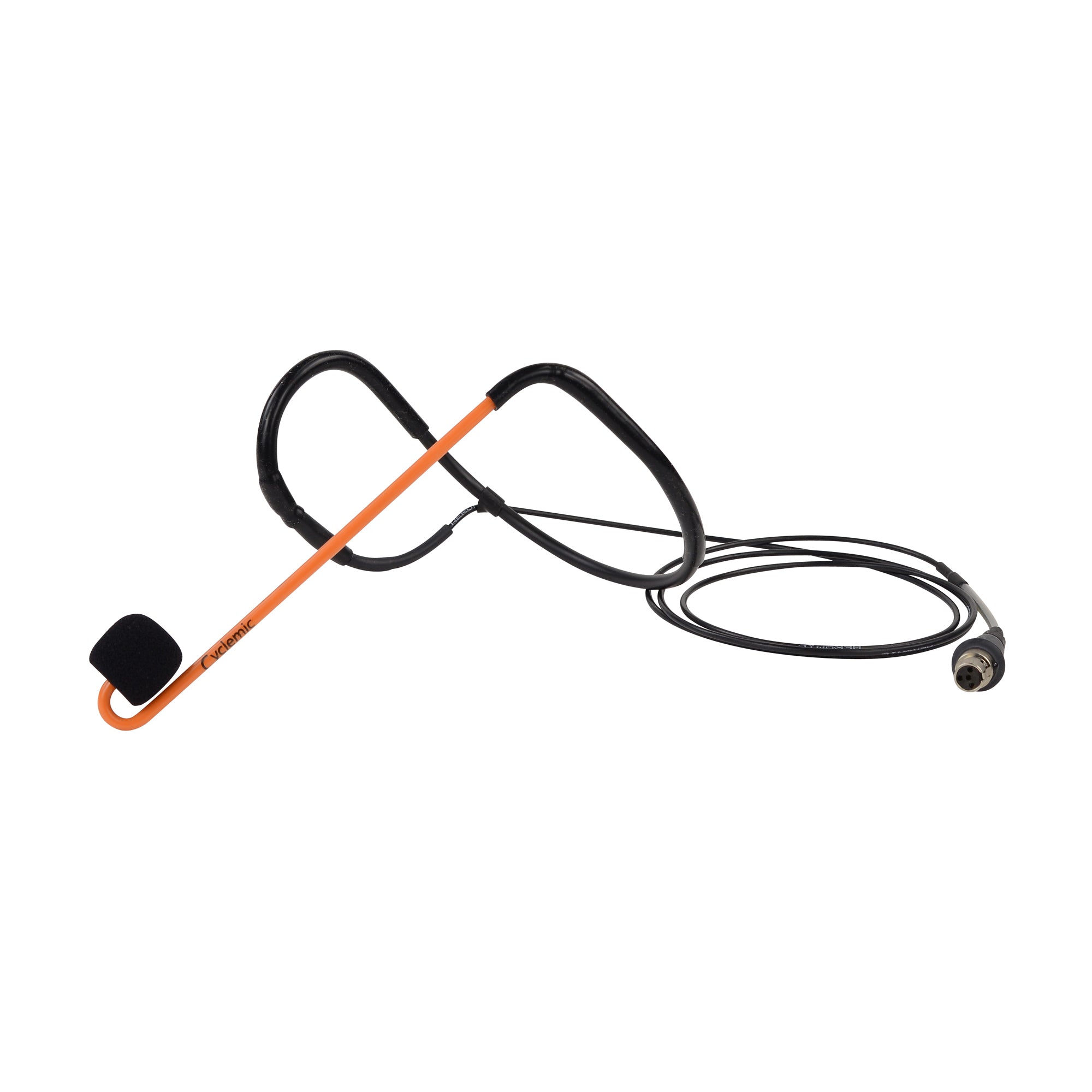
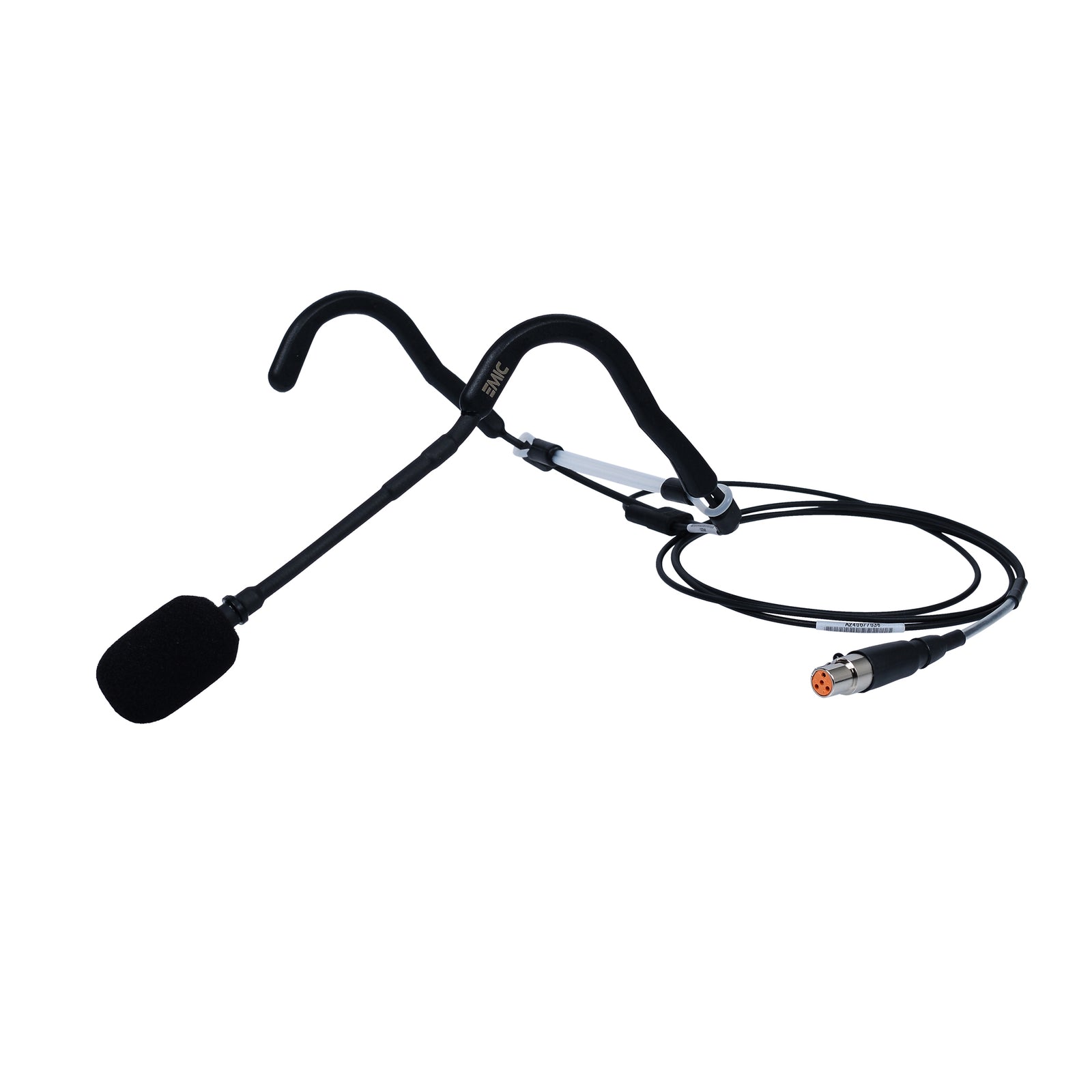
Instructor microphones — like Aeromic and E-Mic headsets handled by Fitness Audio — are built with sweat resistance in mind, but even rugged models need support. Salt from sweat can crystallise in mesh grills and foam covers, slowly choking clarity and damaging the capsule.
What you can do:
-
Always use a windscreen
Foam covers act like a frontline barrier. Replace them regularly — they’re inexpensive and prolong the life of the mic. -
Rotate microphones
If your studio runs multiple classes daily, use more than one mic. Rotation allows each unit time to fully dry between sessions. -
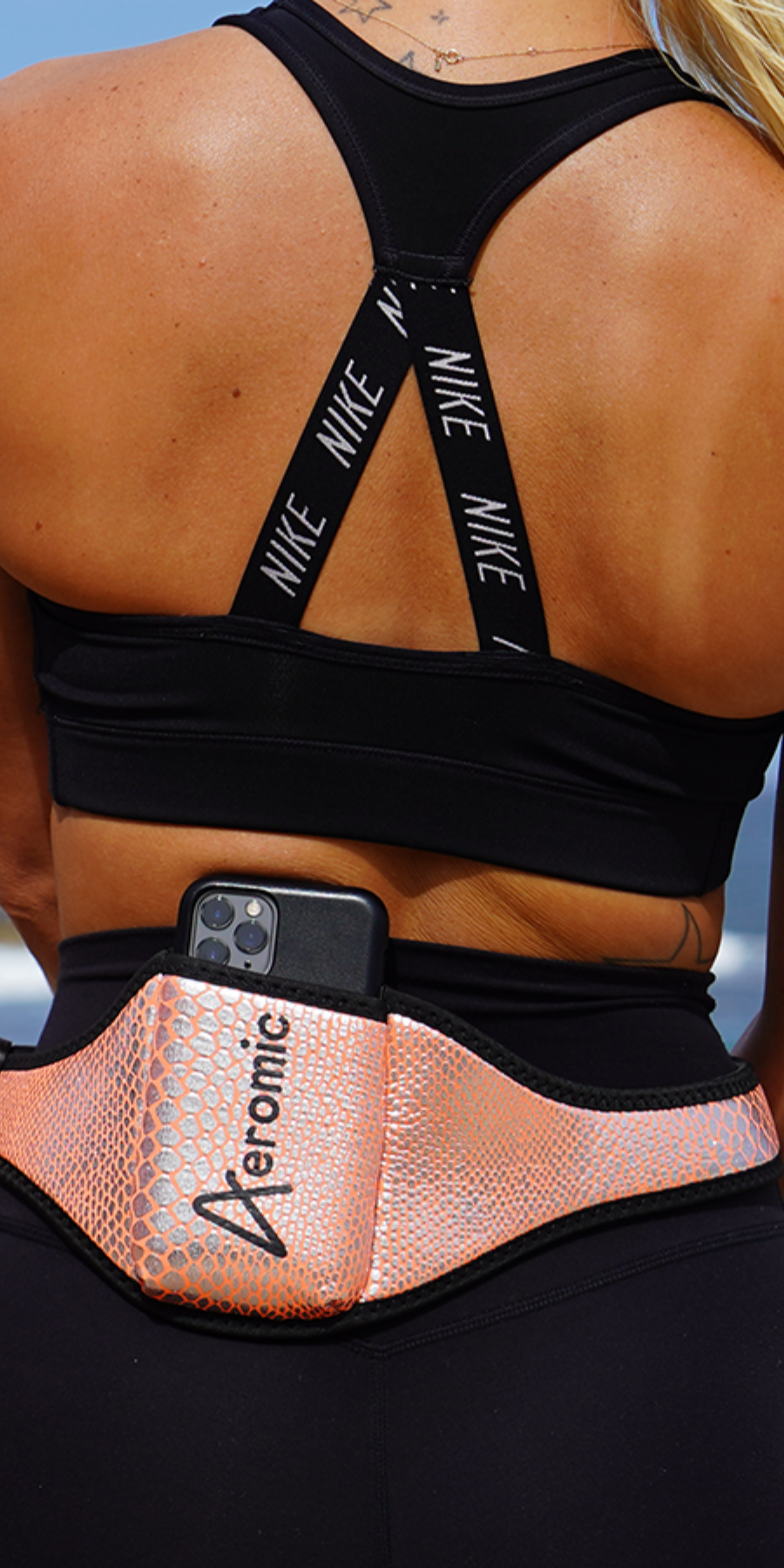
Use mic belts or neoprene packs
These protect transmitters from direct sweat exposure and accidental drops. Fitness Audio sells specialised belts built for this exact purpose. -
Wipe down after every class
A simple soft cloth after use removes moisture before it settles in.
Storage: Your Gear Needs a “Home”
Studios often underestimate the impact of proper storage. Instructors rush out, classes swap over, and equipment is tossed onto shelves or hooked onto whatever’s free. Over time, this leads to twisted cables, damaged connectors and crushed components.
Build good storage habits:
-
Create a designated audio hub
Every mic, transmitter and cable should have its own labelled place. Fitness Audio’s cases and storage solutions help keep things dry, organised and protected. -
Avoid storing gear while damp
Moisture trapped in a closed drawer accelerates corrosion. Let mics, belts and transmitters air-dry first. -
Hang headsets correctly
Never throw or bend them sharply. Aeromic-style headsets are durable but still benefit from gentle handling. -
Protect charging points
Chargers and docks should stay dust-free and away from spilled drinks or cleaning sprays.
Cleaning: A Weekly Routine You Shouldn’t Skip
Just like you clean equipment and flooring, audio gear needs scheduled maintenance. This doesn’t require technical skills — just consistency.
A simple weekly cleaning checklist:
-
Mic boom & frame: Wipe with a slightly damp cloth, avoiding the capsule opening.
-
Cables: Check for fraying, stiffness or exposed wiring.
-
Transmitters: Clean the exterior, remove dust from battery terminals and ensure the pack closes securely.
-
Windscreens: Wash in warm, mild soapy water, then allow to fully air-dry.
-
Speakers & mixers: Dust gently; avoid spraying any liquid directly on electronics.
Fitness Audio also offers replacement components for high-use parts so studios can refresh gear without replacing whole systems.
Handling: Train Your Instructors (It Matters More Than You Think)
The number-one factor in audio gear lifespan? Instructor habits. Even the strongest mic can fail in weeks if mishandled.
Train your team to:
-
Never yank cables — always disconnect gently.
-
Position microphones correctly to reduce strain on the boom.
-
Keep transmitters clipped securely and not shoved into waistbands.
-
Report crackling, dropouts or loose fittings immediately.
-
Use mic belts every time, especially in high-intensity classes.
A short 5-minute team briefing can save hundreds (or thousands) in annual replacements.
Lifespan: When to Repair, Replace or Upgrade
Even with perfect care, audio gear has a natural lifespan — especially in a fitness environment where conditions are extreme.
Signs it’s time to act:
-
Increasing feedback or distortion
-
Crackling during movement
-
Damaged connectors or cables
-
Transmitters dropping out more frequently
-
Foam covers disintegrating or hardened from sweat salt
Fitness Audio provides replacement cables, windscreens, transmitter packs, and complete instructor mic sets so you can repair or upgrade without starting from scratch.
If your system is older, upgrading to newer, sweat-rated models like Aeromic or Fitness Audio’s transmitter combos can significantly cut long-term maintenance costs.
Final Thoughts: Treat Your Audio Like Training Equipment
Your audio system is as crucial as your spin bikes, reformers or treadmills. When it’s maintained well, it enhances experience, reduces instructor frustration and keeps members engaged.
By protecting your gear from sweat, storing it properly and developing solid instructor habits, you can extend the life of your audio investment — and keep your studio sounding as strong as it performs.
If you ever need replacement parts, upgraded headsets or complete studio packages, Fitness Audio Shop is a reliable go-to for durable, fitness-focused solutions built for heavy daily use.