

In a modern fitness studio, sound isn’t optional — it’s the heartbeat of the experience. High-energy playlists, motivating instructor cues, seamless transitions… all of it depends on one thing: reliable audio.
However, in many studios, especially those packed with people, devices, and competing wireless signals, audio dropouts have become a common (and frustrating) issue. When a mic cuts out mid-cue or the music stutters during a high-intensity block, it doesn’t just break the vibe — it breaks the flow of the class.
AtFitness Audio, we’ve spent decades designing audio solutions built specifically for busy, high-interference fitness environments. If your studio deals with random dropouts, muffled moments, or unreliable wireless transmissions, here’s what’s really going on — and how to fix it.
Why Do Audio Dropouts Happen?
Before we talk solutions, it’s important to understand what typically causes a dropout. In most fitness studios, dropouts happen because of one (or a combination) of the following:
Wireless Interference
Phones, smartwatches, Bluetooth headphones, Wi-Fi routers, heart-rate trackers — modern fitness spaces are bursting with wireless signals. Many of these operate on the same frequency bands as wireless microphones.
Poor Line of Sight
Wireless transmitters need a clean path to the receiver. When the receiver is placed behind a metal rack, behind a wall, or too close to other equipment, the signal weakens.
Low-Quality or Worn-Out Transmitters
Fitness instructors sweat — a lot. Sweat is corrosive, and inexpensive or non-fitness-rated transmitters simply weren’t designed to survive it.
Dead or Failing Batteries
Weak batteries don’t supply enough power for strong signal transmission. This is one of the most common (and preventable) causes of dropouts.
Overcrowded Frequency Bands
If your mic happens to be on a frequency crowded with local Wi-Fi devices or other wireless systems, it’s basically competing for airtime.
The good news? Every one of these issues has a clear solution — especially when your studio uses audio gear designed for fitness.
How to Reduce Audio Dropouts in Your Studio
Here are the steps we recommend to every studio, based on what we’ve learned from thousands of installs and countless hours of testing.
Choose Fitness-Rated Wireless Systems
Not all wireless microphone systems are built for sweat, movement, and high-RF environments. That’s why Fitness Audio designs all wireless gear — including our U-Series Wireless Systems— with:
-
Sweat-resistant transmitters
-
Superior RF (radio frequency) stability
-
Dedicated fitness-friendly frequencies
-
Rugged components that stand up to daily use
A commercial gym environment demands more than consumer-grade electronics. Upgrading to equipment intentionally engineered for fitness is the biggest step you can take to eliminate dropouts.
Proper Receiver Placement
Your wireless receiver needs aclear line of sight to the instructor’s bodypack transmitter. This means:
✔ Place ithigh up, ideally above head height
✔ Keep itin front of the room, not behind racks or cabinets
✔ Avoid metal shelves or AV carts — metal blocks wireless signals
✔ Keep the antennas fully extended and unobstructed
We often find that a simple repositioning of the receiver can eliminate 70–80% of the dropout issues studios experience.
Reduce Competing Wireless Noise
You’ll never eliminate all wireless signals in a busy studio — nor should you try — but youcan make smart choices that reduce interference:
-
Use dedicated 2.4GHzor UHF systems built to avoid common consumer frequencies
-
Turn off unused wireless devices in the AV rack
-
Place Wi-Fi routers as far from the audio rack as possible
-
Keep Bluetooth devices away from the receiver area
OurDX Band systems, for instance, are designed to operate in cleaner, less crowded frequency ranges, which dramatically reduces interference.
Invest in a Quality Headset Mic
A poor-quality or damaged headset can cause crackling, cutting, and inconsistent audio thatfeels like a dropout. Fitness instructors are tough on gear — sweat, movement, and repetitive use take a toll.
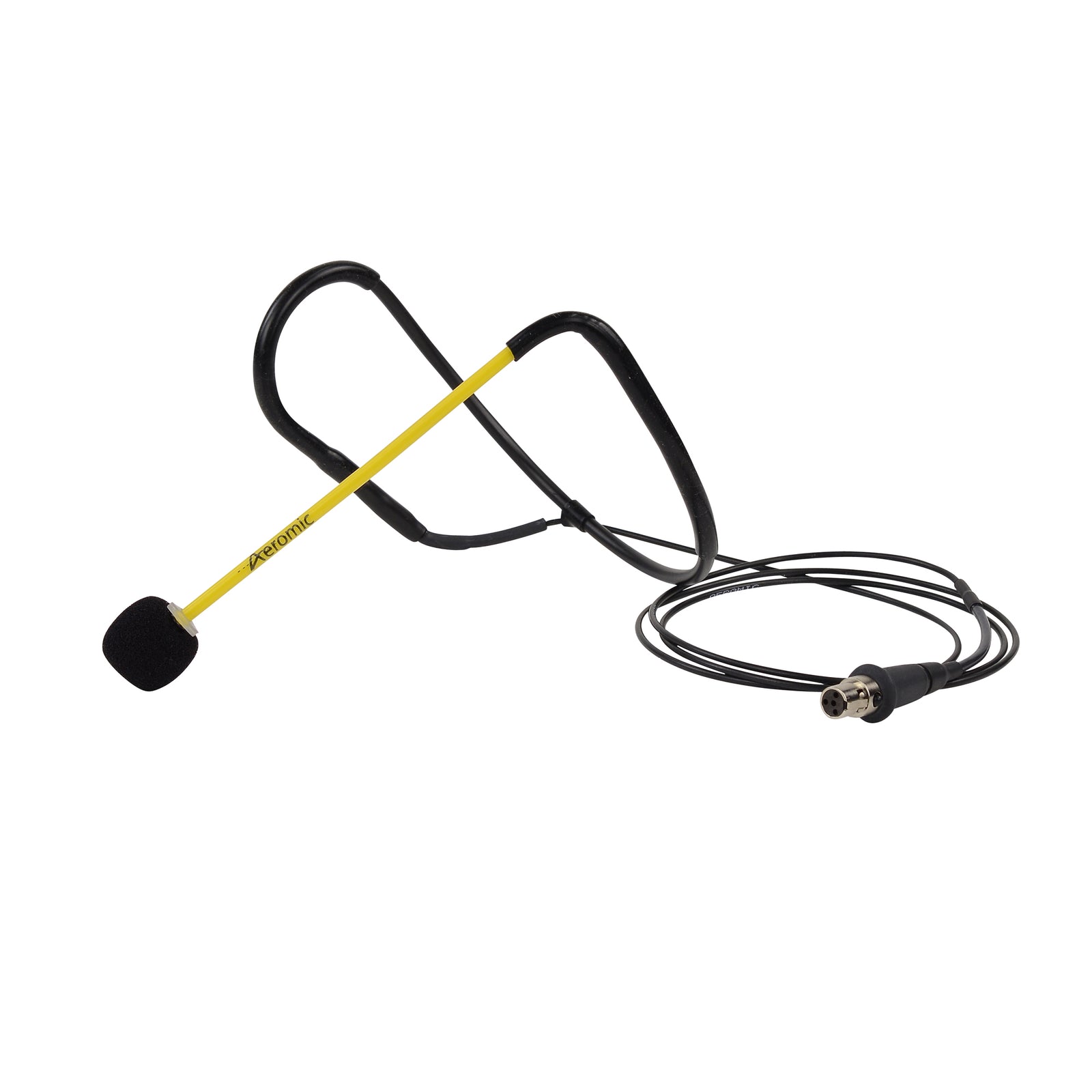
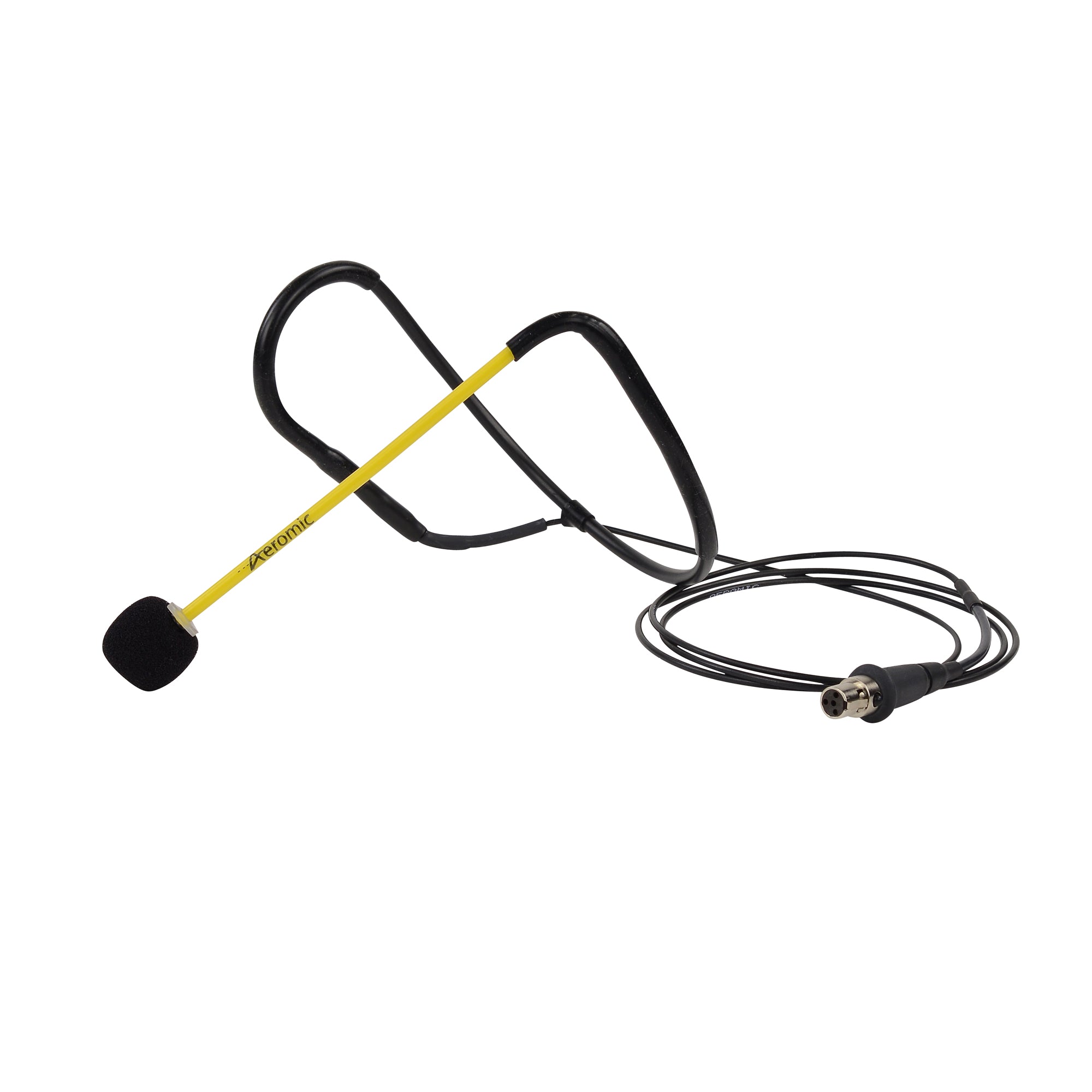
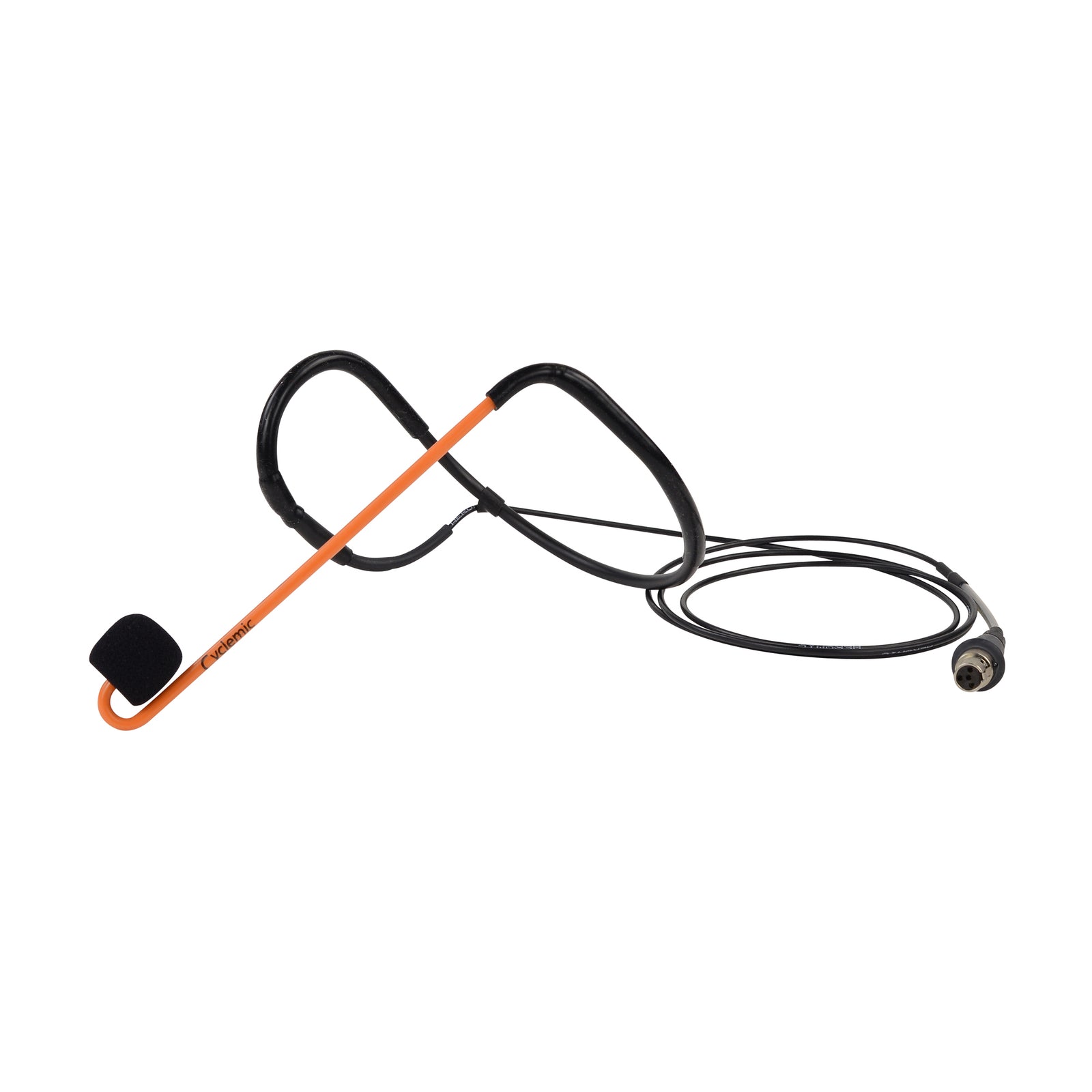
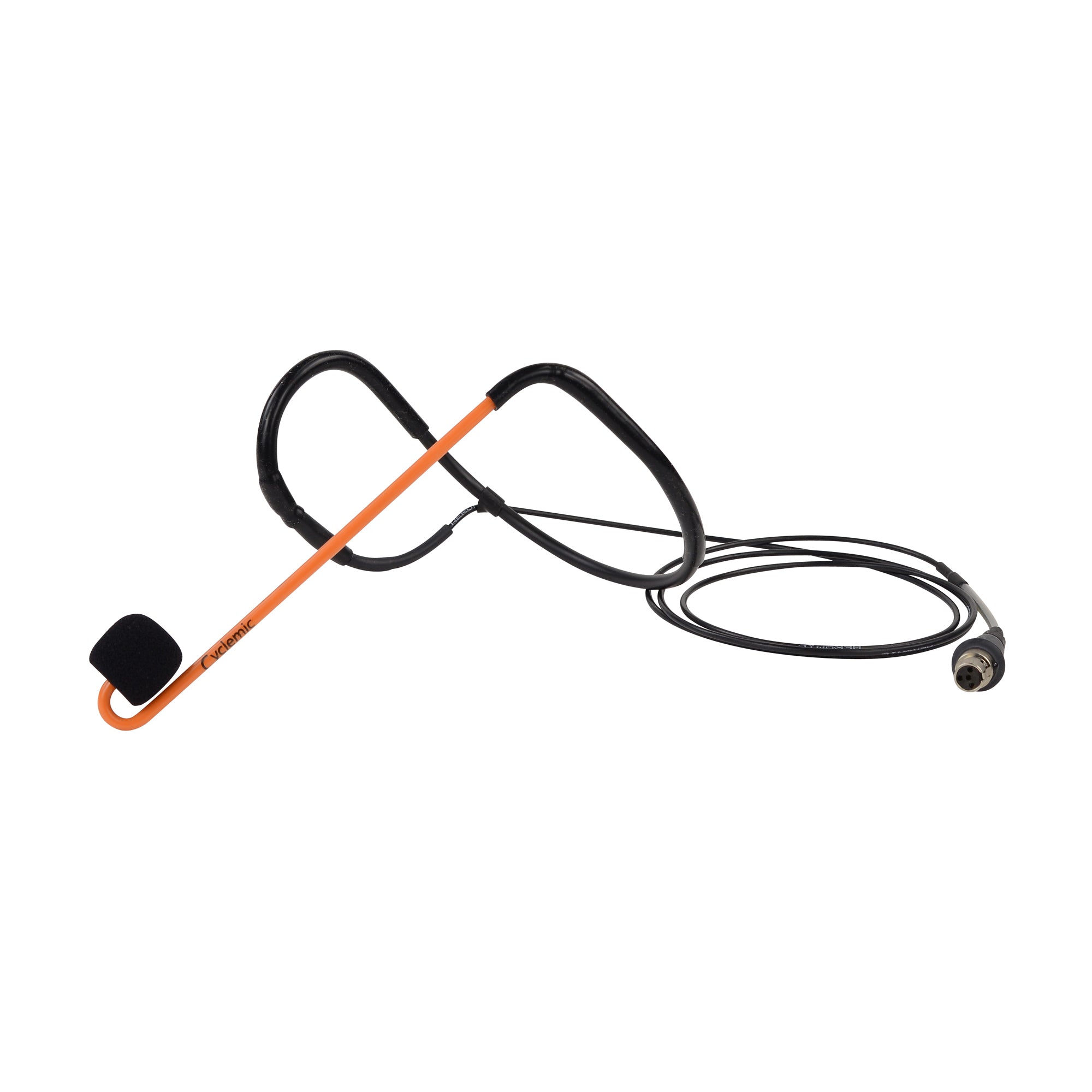
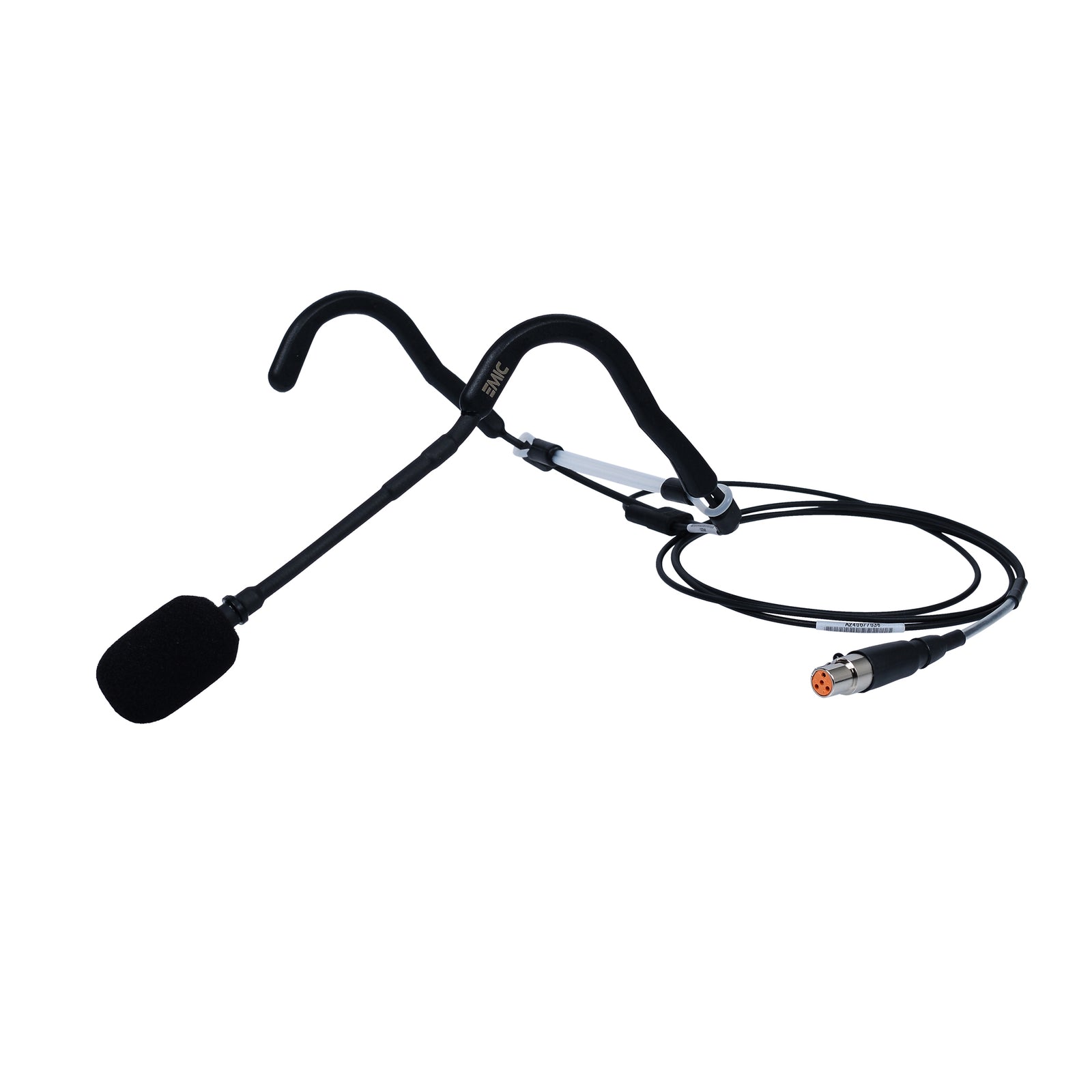
That’s why Fitness Audio offers sweat-rated headsets like:
-
The Aeromic – engineered for group fitness
-
The E-Mic – durable, lightweight, and budget-friendly
-
Cyclemic – perfect for high-sweat environments like spin studios
A reliable headset ensures your signal stays strong, your voice stays clear, and your audio stays consistent.
Stay on Top of Battery Management
Weak batteries = weak signal.
Weak signal = dropouts.
Simple rules:
-
Usefresh batteries for every class
-
If rechargeable, usehigh-quality batteries and rotate them properly
-
Train instructors on consistent battery-check routines
-
Keep spares on hand — always
Fitness Audio also offers rechargeable options and battery systems designed to keep instructors powered through multiple classes a day.
Get Your Studio Professionally Tuned
The final step is calibration. Every studio has unique acoustic challenges — mirrors, high ceilings, concrete walls, multiple rooms, or stacked scheduling can complicate things.
A professional audio tune-up can:
-
Identify interference zones
-
Set optimal frequencies
-
Balance instructor voice with music
-
Improve speaker coverage
-
Diagnose hardware failures
At Fitness Audio, our team regularly performs studio assessments to help eliminate dropouts and optimise audio performance long-term.
Clear Audio = Better Classes, Happier Members
When your audio is stable and dropout-free, the entire class experience improves:
✔ Instructors feel confident
✔ Members stay engaged
✔ Transitions are seamless
✔ Music drives energy instead of distracting
✔ Your studio sounds as professional as it looks
Reliable audio doesn’t happen by accident — it happens by design. With Fitness Audio systems and a few smart adjustments, you can build a studio where the sound is as strong as the workout.
If you’d like help diagnosing dropout issues or upgrading your studio setup, our team is always ready to support you.